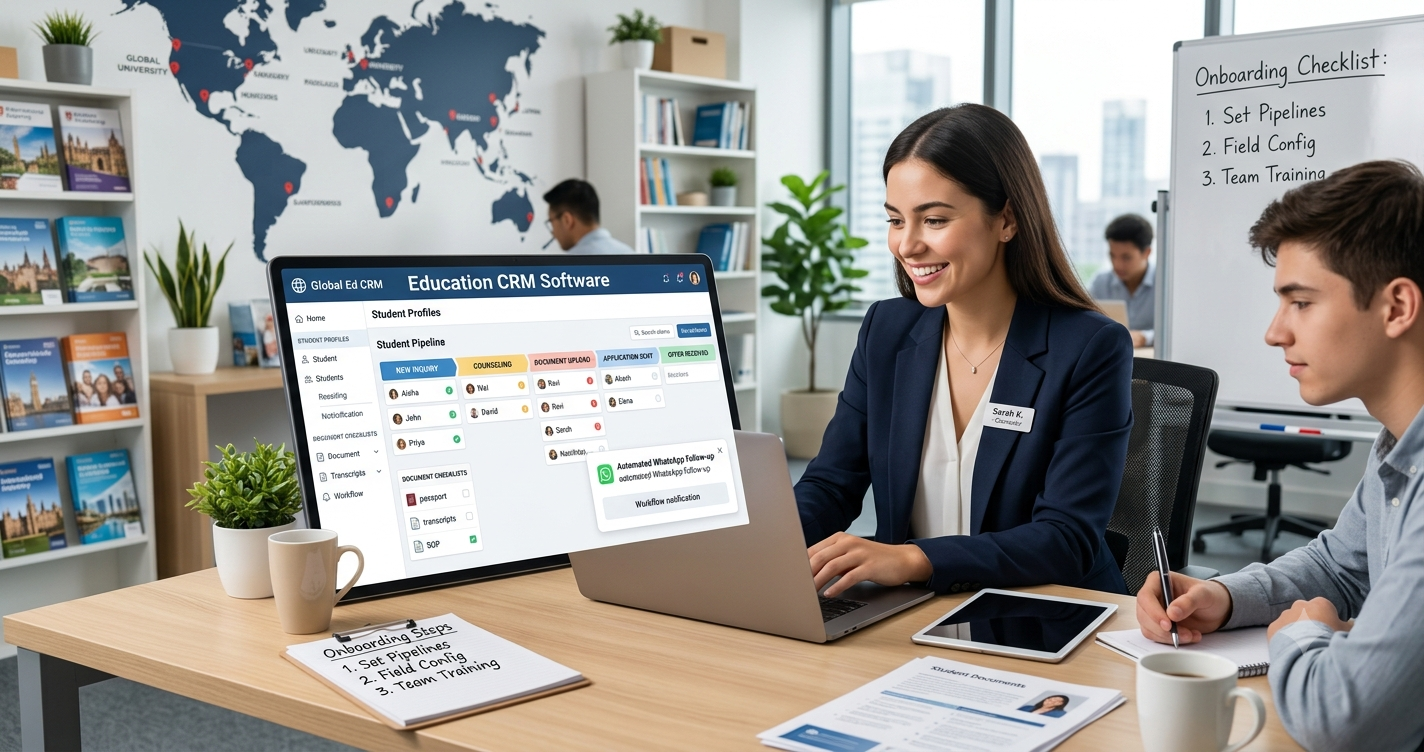
Why Structured CRM Onboarding Matters for New Consultancies
Many new agencies rush into logging leads before configuring their system architecture. Without clear pipeline stages or standardized fields, your database becomes cluttered within weeks. Proper onboarding aligns your daily counseling operations with your software tools, giving founders clear visibility into counselor workloads and conversion bottlenecks.
When your CRM is configured properly before peak intake seasons hit, counselors spend less time hunting for files and more time advising students. It also builds immediate trust with students and parents, who receive timely updates at every milestone.
Phase 1: Foundation and Data Architecture Setup
Before inviting your team or running marketing campaigns, build a clean structural foundation inside your platform.
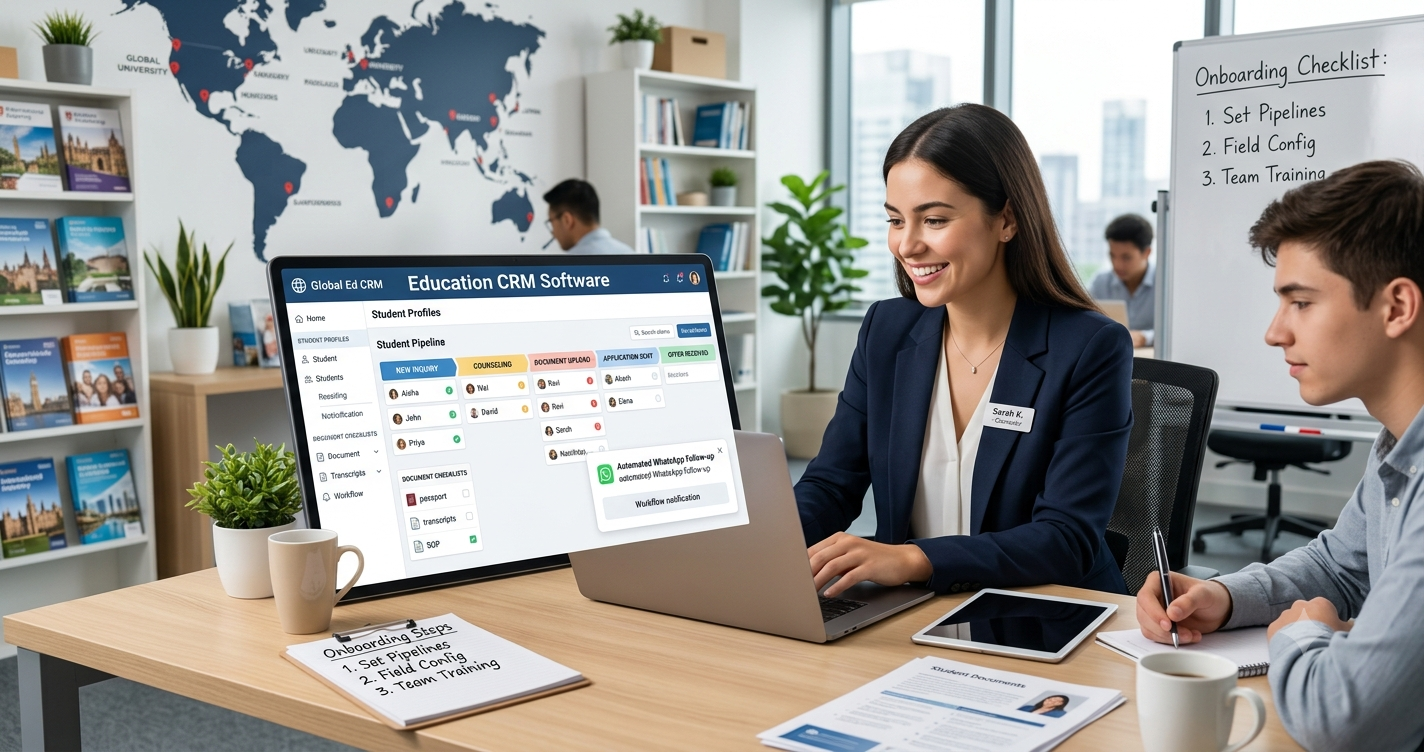
1. Define Custom Student Pipeline Stages
Generic sales stages like "Qualified" or "Closed-Won" do not fit overseas admissions. Map your CRM stages to reflect the exact student journey:
- New Inquiry: Raw leads captured from walk-ins, phone calls, or digital ads.
- Counseling Scheduled / Completed: Initial profile evaluation and destination matching.
- Test Prep & Shortlisting: Tracking IELTS, TOEFL, PTE, or GRE scores alongside target courses.
- Application Submitted: Applications dispatched to partner universities or portals.
- Offer Received (Conditional / Unconditional): Tracking acceptance deadlines and tuition deposits.
- Visa Processing & Enrolled: Document verification, visa filing, and final enrollment.
2. Configure Student Profile Fields and Document Checklists
Study abroad applications require dozens of specific data points. Customize your student profile forms to capture academic percentages (10th, 12th, and undergraduate), work experience, English proficiency scores, preferred study destinations, and intake months (such as September, January, or May).
3. Clean and Import Existing Contacts
If you already have inquiries collected in Excel sheets or email threads, clean those files before importing. Remove duplicate phone numbers, standardize country names, and verify email addresses so your Education CRM Software starts with accurate, actionable records.
Phase 2: Lead Capture and Communication Integrations
Speed-to-lead is critical in student recruitment. If a prospective student fills out an inquiry form and waits two days for a callback, they have likely already spoken to a competitor.
4. Connect All Lead Generation Channels
Integrate every marketing source directly with your CRM so leads flow into one central dashboard automatically:
- Website Inquiry Forms: Connect landing pages and course finder widgets via web-to-lead forms.
- Social Media Lead Ads: Sync Facebook and Instagram lead forms so prospects appear in your pipeline within seconds.
- Walk-in and Event QR Forms: Set up quick digital registration forms for education fairs and office visits.
5. Set Up Omnichannel Messaging Templates
Students rarely check traditional emails alone; they respond fastest on WhatsApp and SMS. Connect your official WhatsApp Business API, email domain, and SMS gateway. Create pre-approved templates for common touchpoints such as counseling appointment confirmations, missing document reminders, and offer letter congratulations to save hours of repetitive typing.
Phase 3: Team Roles, Permissions, and Workflow Automation
Once data and communication channels are ready, structure how your internal team interacts with the platform.
6. Assign User Roles and Access Controls
Not every staff member needs access to every record. Set up role-based permissions for administrators, branch managers, senior counselors, telecallers, and filing officers. Restricting bulk data exports protects your agency's proprietary lead database from unauthorized downloads while ensuring counselors only see their assigned caseloads.
7. Automate Lead Routing and Follow-Up Reminders
Configure automated assignment rules so incoming leads go straight to the right person. You can route inquiries by destination specialty (for example, sending UK inquiries to your UK specialist), branch location, or round-robin distribution. Pair this with automated follow-up reminders so no inquiry sits untouched past 24 hours.
8. Activate Self-Service Student and Agent Portals
Modern consultancies empower students and sub-agents to collaborate directly inside the system. Enable your Student Portal so applicants can upload scanned documents, browse shortlisted courses, and check real-time application statuses without calling your front desk daily. If you work with B2B referral partners, configure your Agent Portal so sub-agents can submit student files and track commission payouts transparently.
Phase 4: Testing, Training, and Go-Live
Even the best software fails if your team reverts to sticky notes and personal WhatsApp chats.
9. Run End-to-End Test Scenarios
Before launching live, create two or three dummy student profiles. Walk each test profile through every stagefrom web form submission and counselor assignment to document upload, university application tracking, and invoice generation. Fix any broken notification triggers or missing fields during this trial run.
10. Conduct Role-Based Team Training
Avoid overwhelming your entire staff with a single four-hour technical lecture. Train each group on their daily tasks:
- Tele-callers: Logging call outcomes, qualifying leads, and booking counseling slots.
- Counselors: Updating academic profiles, recommending courses, and tracking university applications.
www.eductrl.com - Managers: Reading conversion dashboards, monitoring response times, and balancing workloads.
Common CRM Onboarding Challenges and How to Solve Them
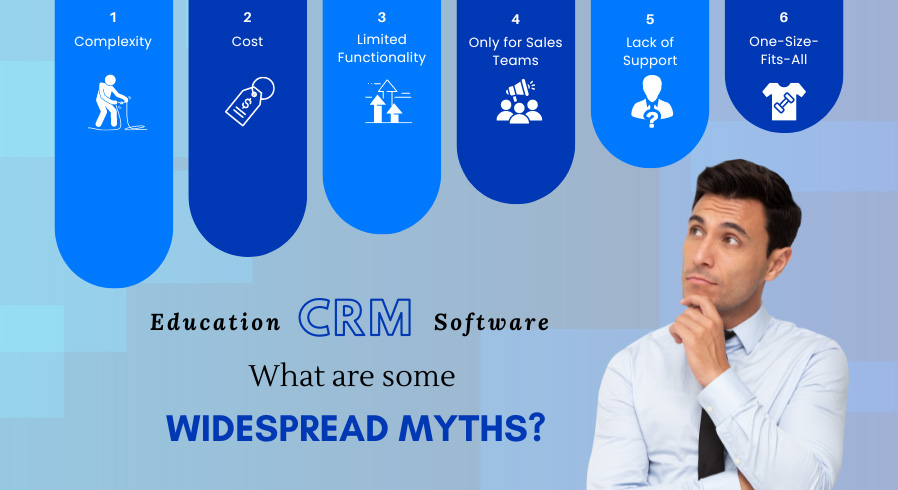
- Resistance from Counselors: Staff accustomed to spreadsheets may feel a CRM adds extra administrative work. Solution: Show them how automated WhatsApp templates, one-click zip downloads of student documents, and automatic follow-up alerts actually reduce their daily workload.
- Inconsistent Data Entry: Counselors typing free-text notes instead of updating statuses makes reporting impossible. Solution: Make key fields like target country, intake year, and next follow-up date mandatory before saving a record.
Conclusion and Next Steps
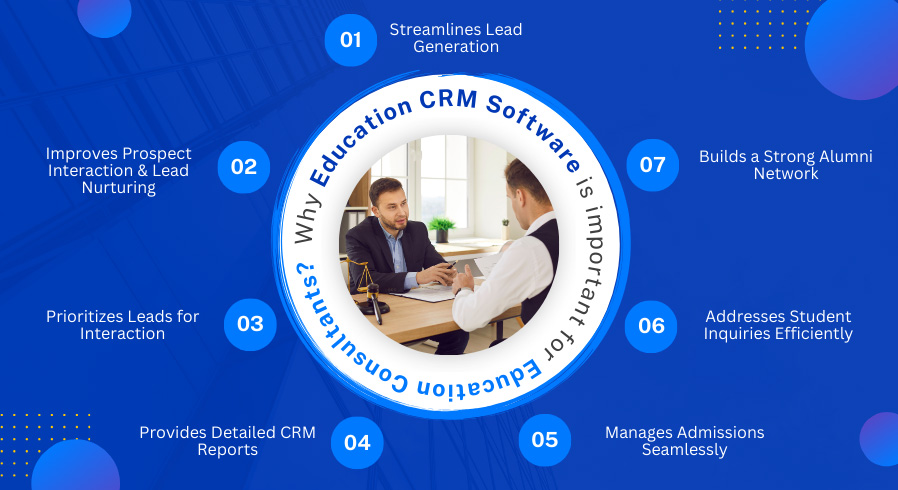
Setting up a CRM the right way transforms a new consultancy from a chaotic startup into a scalable, student-focused organization. By following this checklistbuilding custom admissions pipelines, connecting omnichannel communication, enforcing role permissions, and training your team you eliminate manual errors and deliver a seamless application journey. Choosing purpose-built Education CRM Software ensures every inquiry, document, and university deadline stays under control from day one.
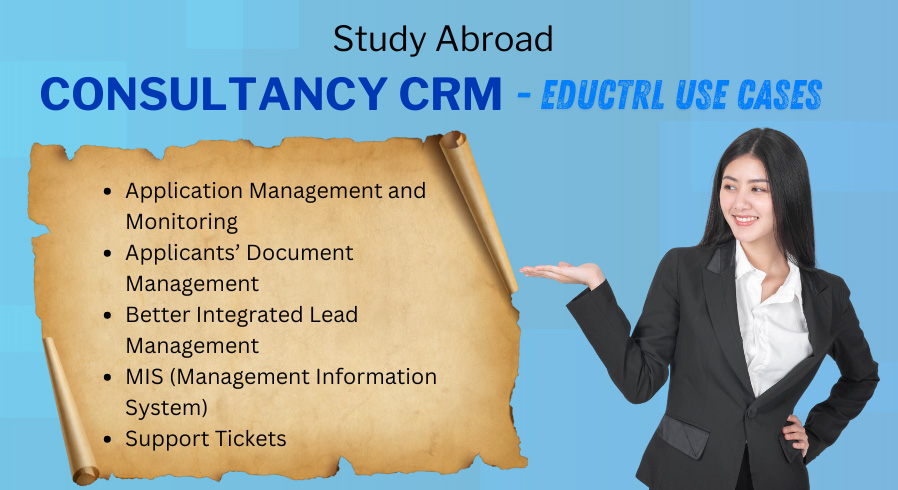
Ready to streamline your study abroad agency from the ground up? Explore how 's all-in-one Consultancy CRM can automate your lead follow-ups, simplify document collection, and organize university applications. Book a free personalized demo with the team today and launch your agency with confidence.